The best tools are the tools you will use

Over the years I have bought many devices and tools, admittedly I’m always interested in new tools that can help me do more with my limited time as a professional with a fulltime job.

I have owned laptops, tablets, desktop computer, drawing tablet, gaming consoles, handheld consoles,… But what I found was that the best tool for the work I do is not always the highest spec’d devices, but the one that is the most convenient.

When it comes to digital painting, the iPad with Apple Pencil is great, drawing is smooth, battery life lasts whole day. A desktop PC with a screen tablet is also excellent due to no restrictions with thermal and energy.

I think that a gaming laptop is also a very great option for painting and development, especially game development, as it is both powerful and (somewhat) portable.

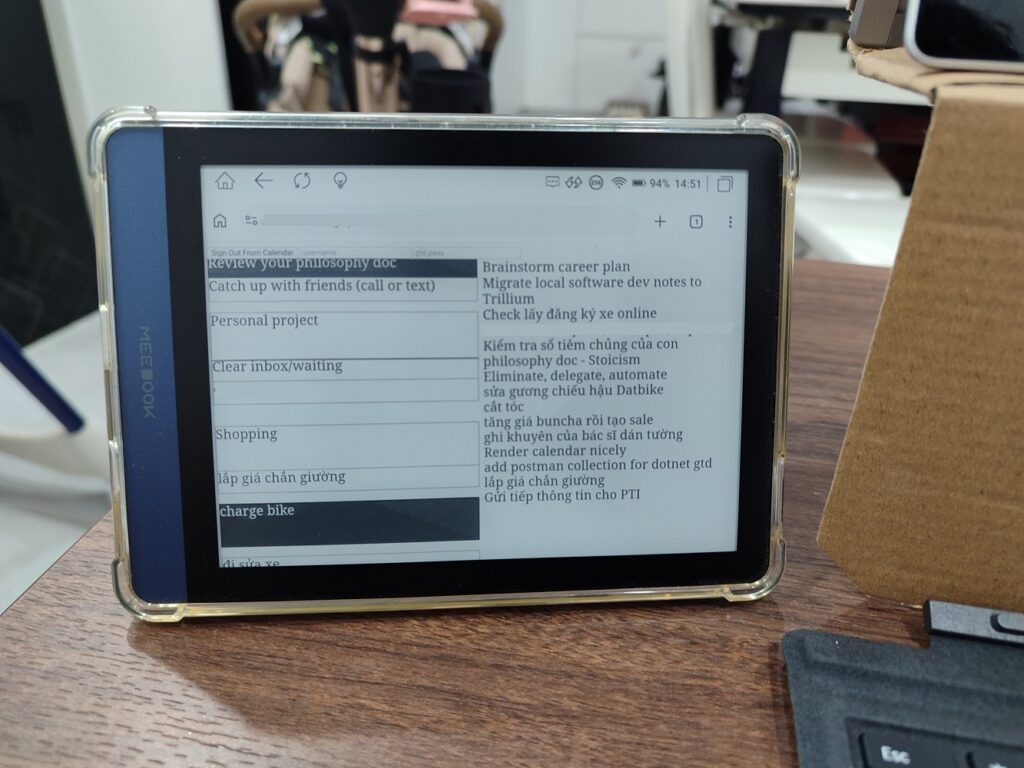
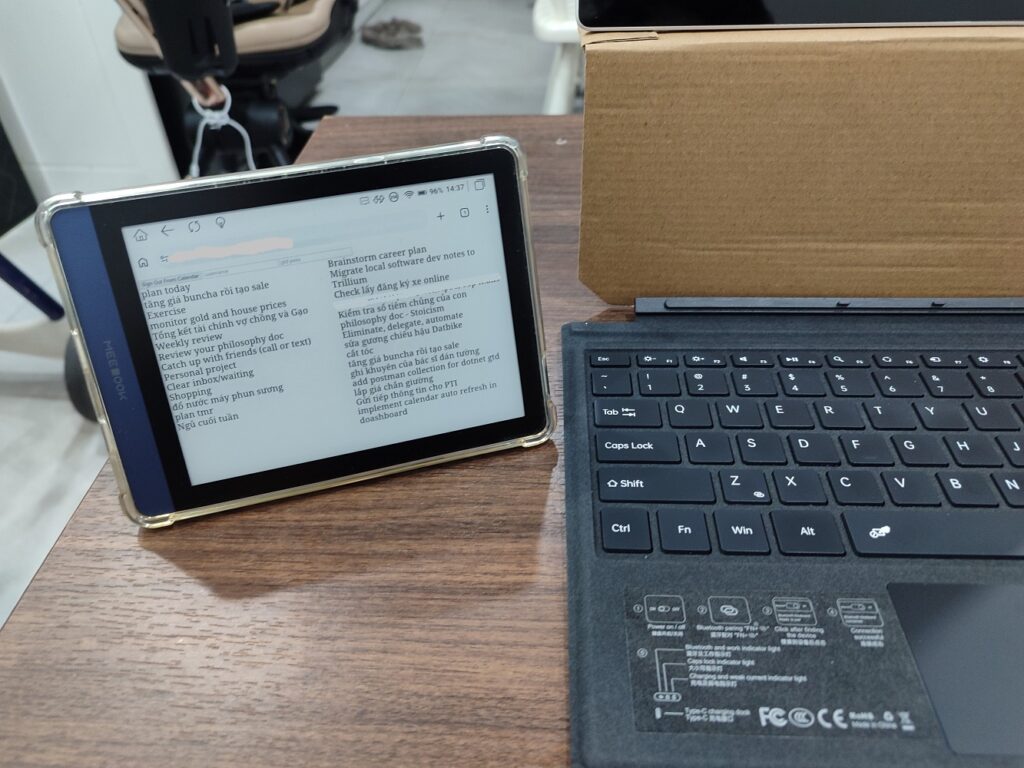
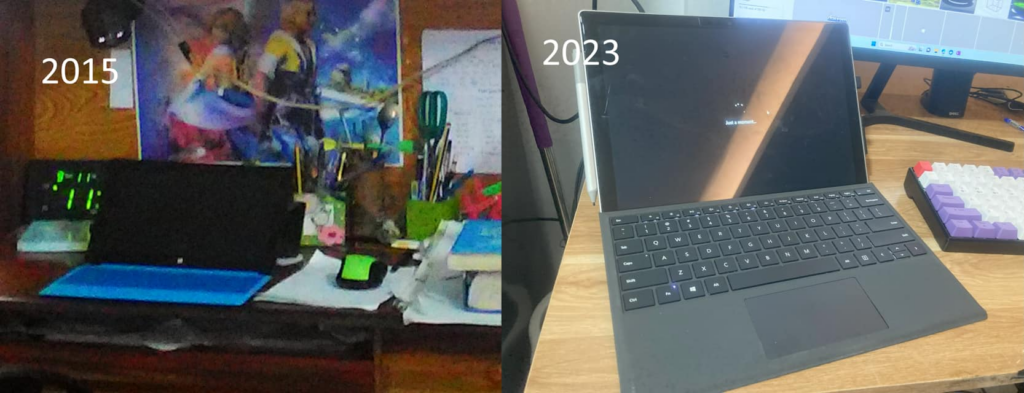
However, the tool that helped me get the most work done is this little thing: The Microsoft Surface Pro.

It’s not really that great

  • The screen is small.
  • It gets hot because it’s thin, but the processor produces lots of heat.
  • The keyboard is small.
  • It becomes slow when it’s hot.
  • Bugs.

But the one thing that make it beat everything else: it is very portable.

I can bring it anywhere, I can take notes on it using the pen, draw arts for my game, does programming, study, everything in one small device. And because I switched to the Surface Pro in 2013, my drawing skills improved tremendously because I drew A LOT more with it. I also did a lot of programming and development on it.

I brought it with me and drew and did programming on trains, on buses, on airplanes, at airports, at cafes, in bed,… everywhere.

Even though it sucks in almost everything I use it for, because of the convenience factor, I use it the most. If I have to wait until I come home to work on my projects on my desktop PCs, I would get much less done. The gaming laptop is too big and bulky to bring everywhere with me.

There same story applies to the Nintendo Switch.

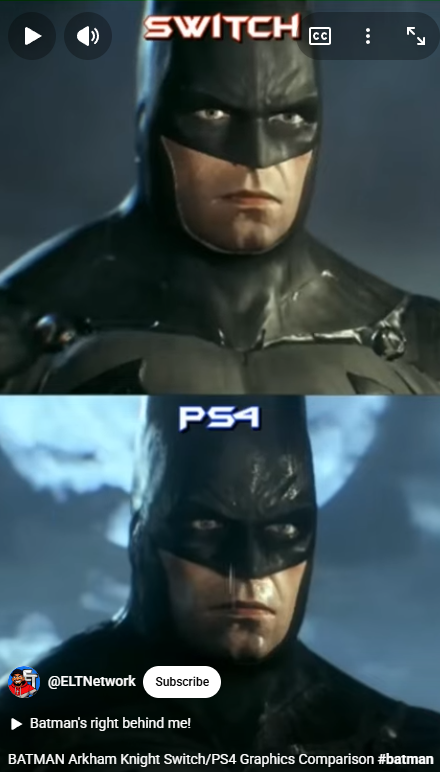
BATMAN Arkham Knight Switch/PS4 Graphics Comparison #batman #arkhamknight #switch #ps4

The Switch plays most games worse than on other devices, it’s weak, small, blurry. But because it can suspend and resume games instantly and is small and portable, I ended up playing it much more.

Normal people may think that you should use an iPad to paint, a MacBook Pro to code, a beast of a gaming PC/consoles to game.

It makes me think, in many cases, the best tool for the job is not always necessarily the most high end tool. The most important thing in life for us is time, and convenience and accessibility will oftentimes help us do much more than fancier tools. Realizing this helps put ourselves in a more practical mindset, to be more critical of marketing and to choose the most practical tools that give more value to our lives.

The same applies to coding, software tools, sometimes the tools that will give you most value is the tool that you will use most, it may be something that is the most accessible, it may be an editor that is much faster to run, it may be something very unconventional. The best programming language could be the one that you are most familiar with to get the job done in a limited time budget, instead of listening to the crowd and choose what is trendy.

It’s good to explore alternatives to status quo and experiment to get reasonable outcomes.

Dev log: Finance and expense management application

After thinking hard and long about what kind of side project to do next and couldn’t think of a “good” and “unique” app idea, I decided to make my own expense management app. The goal is just to add to my portfolio of applications and learn new frameworks and tools as I develop it.

I have been using Expense Manager on Android for years, however the problem with using other people’s app is that there is a limit to how much I can customize it to suit my use the best. The way I use it, I only log my expenses every day and export it as an Excel file to review once a month.

It does not have an option to show the budgets I set every day/month right on its home page so that I can stop myself from overspending or being able to spend without feeling guilty whenever I log a new entry. In order to view my budgets, I have to tap some links. I would prefer it to remind me of how much I have spent and how much I can spend upfront when I open the app.

So I have been developing this application. The purpose is to learn all the following technologies in one go

  • Golang with Gin framework for backend, a RESTful Web API service.
  • MongoDB for data storage.
  • ReactNative for frontend.
  • Possibly scalable system using containers and kubernetes.

The application will have the following features

  • Offline first design with auto sync with server. AKA Google Keep. Conflicts will be resolved automatically.
  • Scalable storage using MongoDB.
  • Charts and summaries, budgets, etc. Simple and targeted to financial minimalists.
  • Cross platform, support Web, Android and possibly desktop clients.

Development progress is slow because I’m learning all these technologies as I work on it.

At the moment, the UI looks quite bad, I follow the philosophy “Functionalities first, polish later”. Some screenshots are below.

MealPlanner is released

Finally, after half a year of work, MealPlanner is finally released for both Web and Android.

The web version can be accessed here: https://bruceng.com/mealplanner

You can also install the Android version by going to the Google Play Store: https://play.google.com/store/apps/details?id=com.bruceng.mealplanner

If you do home cooking for the family or even only for yourself, you may find it useful to use this app to help with creating shopping list and maintaining food inventory.

Meal planner

For the past few months, due to the covid-19 pandemic, I had to work from home and minimize going outside. As a result I have to cook more often to avoid contact with people outside.

I can’t go out for grocery shopping much, only once or twice a week. So I have to calculate what I have to buy based on all the recipes I plan to cook during the week. This has been very tedious.

I came up with the idea of a software application that helps with meal planning/shopping for family and busy people. People who buy food in bulk once or twice a week to save time.

The app has two main function

  • Given a list of dishes to cook, generate a shopping list for grocery shopping.
  • Give a list of ingredients at hand or in the fridge, suggest which dishes can be cooked based on the ingredients that user has.

Aside from that user can also add new recipes as different people know different recipes to cook. The application will be a cross platform application, available as a web app and mobile apps.

The progress so far has been great, looking forward to the first release.

BBQ Pork Noodle King

Recently I released BBQ Pork Noodle King on Google Play Store, this project has been going on for months since February to May.

I worked on this project on my weekends and after work during my free time. This is my first ever completed and released game, and also my first time working with Unity engine.

It’s a simple casual resturant game where you earn profits(virtual, not real profits) by serving BBQ Pork noodles to customers.

More features will be coming soon such as: store, new locations to open the restaurant, star rating, etc. Since it takes forever to complete I figured it’s better to release it and keep adding features later.

It’s free on Google Play Store with ads, you can try it here: https://play.google.com/store/apps/details?id=com.TheCoffeeNapperStudio.MobileBunCha

VocabTrainer and The Coffee Napper Studio

Today VocabTrainer v1.3 has been released on Google Play Store.

It’s a simple app for language learners to practice and memorize new words. You can add new words to the app, and it can generate practice tests based on those words for you to practice until you completely learn them.

You can check out the app at https://play.google.com/store/apps/details?id=bruceng.dailywords

You can also visit and like my Facebook page at https://www.facebook.com/The-Coffee-Napper-Studio-330057637590436 to get notified for future updates and new projects.

Migrating BTD To TypeScript, and possibly Antd Mobile

BTD has quite a few bugs that was due to type mismatch. After a while I decided to migrate the application from ES6 to TypeScript. I believe it will provide me with some benefits in refactoring, type checking, type safety, and possibly making the code more well organized by having to define types more clearly.

After spending a few hours copying the code over, rename all the files from .js to .tsx and modifying the files to run in TypeScripts, I managed to make it compile and run. Though I had to disable TSLint completely as it throws lots and lots of errors.

To finish this migration, I will just work on it bit by bit until it becomes stable again.

I’m also considering switching the UI framework from Antd to Andtd mobile as it supports building using react-native, which might make it possible to build an Android version of the app together with the web version for desktop.

BTD

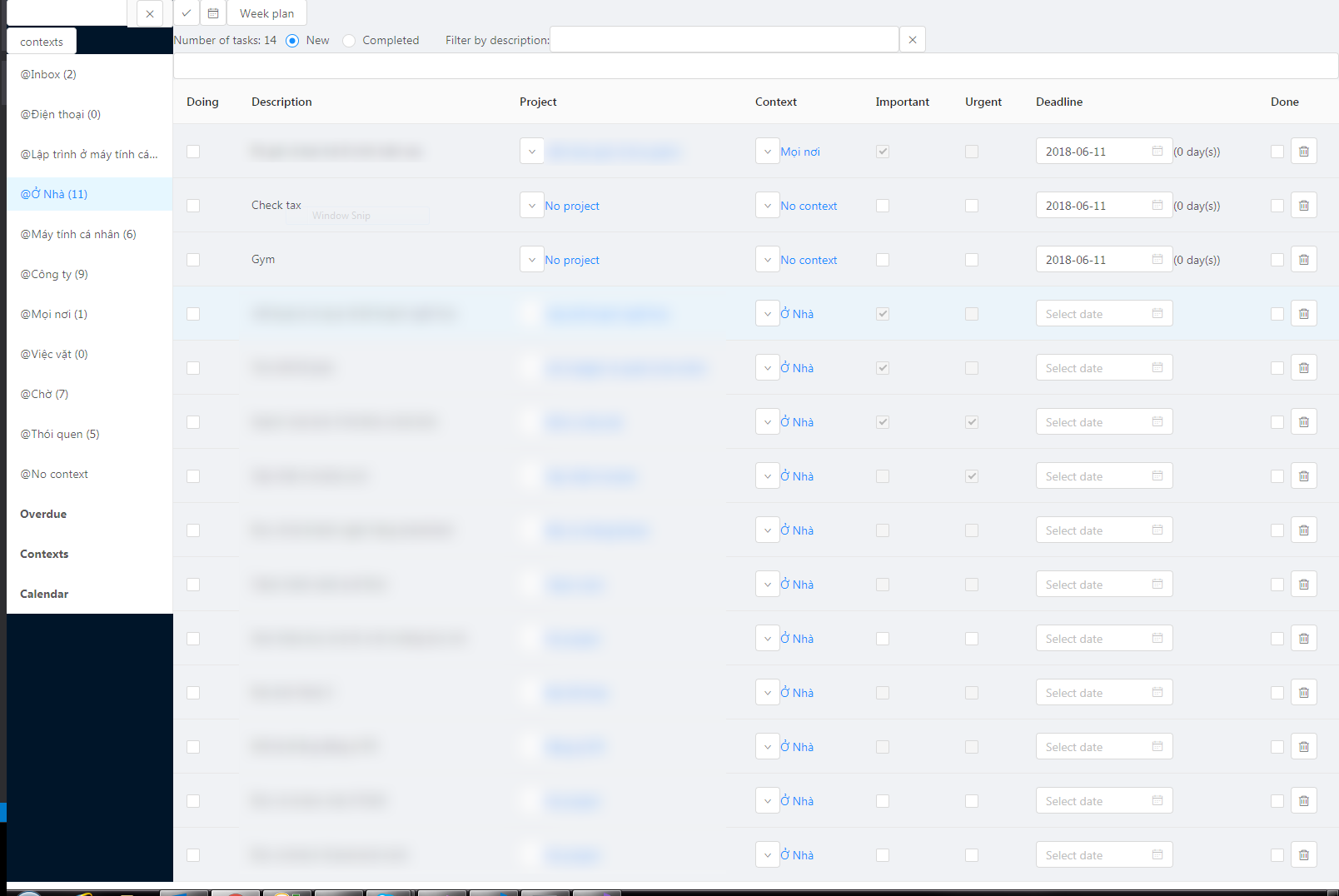
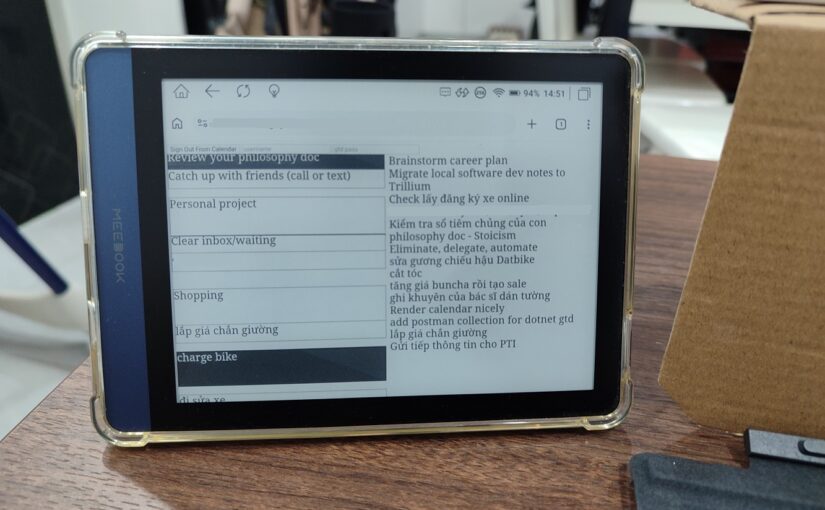
I have spent years trying out different applications, calendars, reminders, etc for my productivity system since the time I read Getting Things Done by David Allen. Some applications are designed specifically for GTD, but almost all of them have certain features that are not very suitable, there will always be certain things that make implementing the system difficult.

Also since calendar and my list management apps are separated, it makes it more expensive to maintain and keep both in sync.

Eventually, I finally decided to build my own application.

This was also a way for me to learn React and Redux. Initially I only wanted to practice by writing a simple to do list application, but after adding features after features it became a really powerful tool that I eventually uses it as my own productivity system. The beauty of it is that I can add whatever feature I want and adjust the user experience to suit my workflow the best.

It’s relatively stable though not feature complete yet, once it became stable and production ready, perhaps I will release it on Github.

Technologies used: React, Redux, Antd, PHP and MySQL.

It already has a lot of features that I use everyday:

  • Contexts
  • Projects
  • Categorizes projects as current or future/someday/maybe
  • Built in Calendar and week plan view
  • Mobile friendly.
  • Sorting tasks and projects based on Covey’s quadrant system(important but not urgent things first)

As of now I name it Bruce To Do temporarily, until there’s a better name.